Entering the Required Meal Prices, Available Daily Offerings, General Manager/Contact Info on the Menu
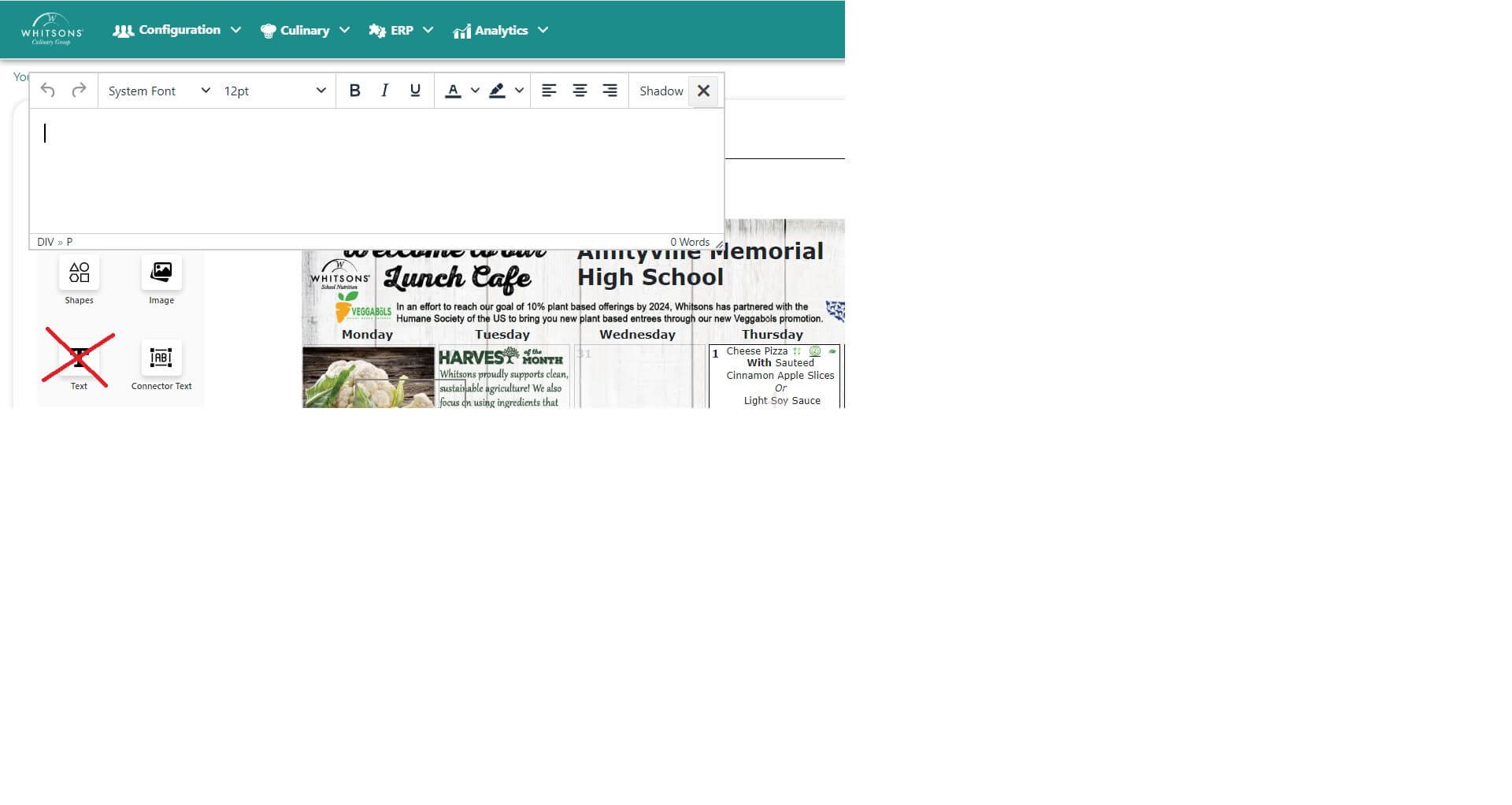
When creating your menus, please follow these steps to enter meal prices, available daily offerings, FSD Name/Contact at the bottom of the menu:
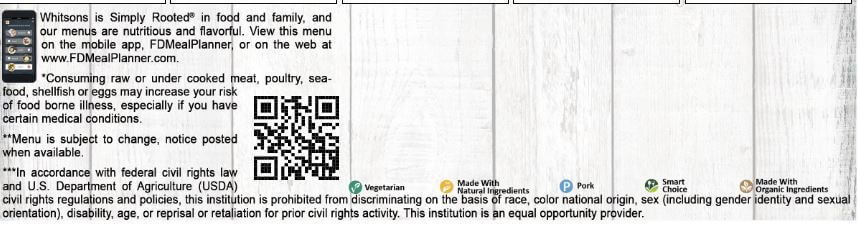
Click in the (2) "invisible" text boxes.

Enter the text, images, font size, font style, etc.
Do not use the Text icon to "drag" text to the bottom of the page. The text boxes are already there, in place.