Menu Overview
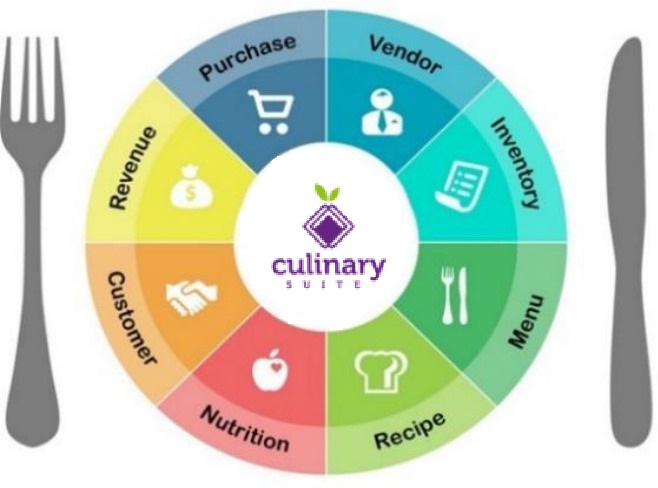 | The Menu module is the core of Dine Central. In addition to menu planning tools, the Menu module provides important data for forecasting, inventory management and purchasing. Menu processes include:
|
This user guide focuses on the tasks needed to effectively navigate within the Menu module.
Although you can view any recipe in the Recipe Kit, it does not mean you have access to add that recipe to your menu. To be certain you can add a Recipe to your menu, check that all the ingredients are in your Order Guide. If not, follow the procedure for adding items to your Order Guide.
For more information about viewing Recipes, refer to the Recipe User Guide.