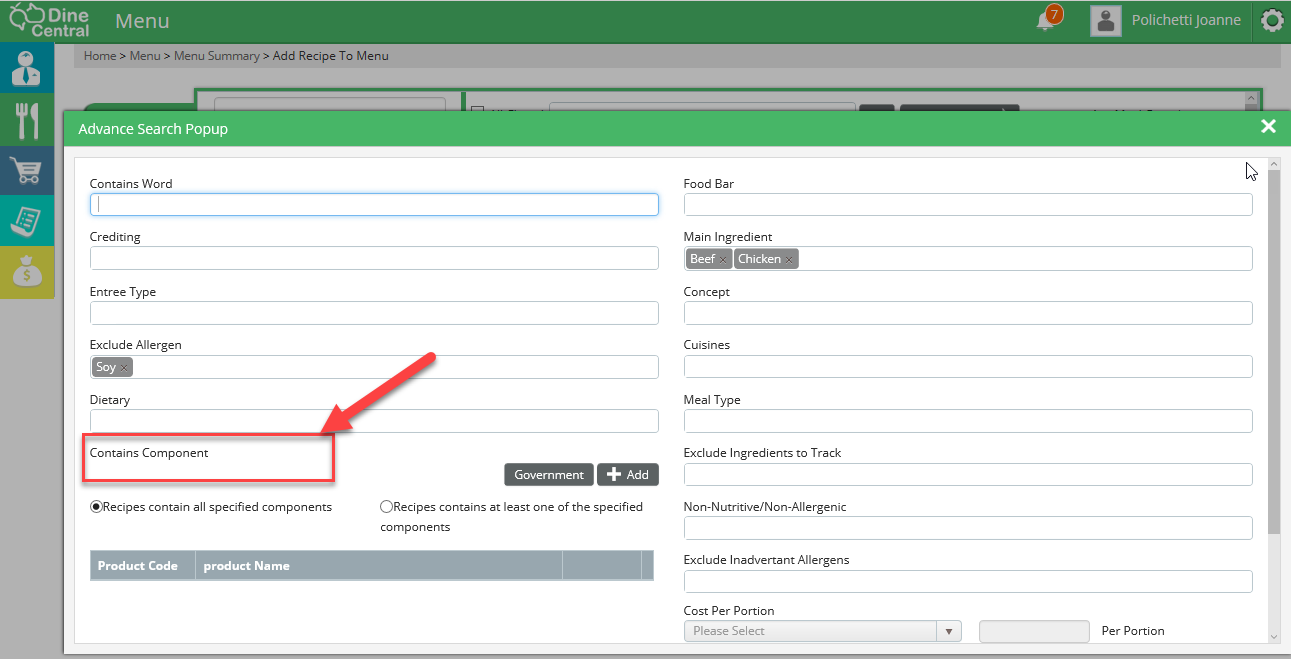
Contains Component
Use the Contains Component section to select one or more ingredients that are contained within a recipe.
Clicking on the ADD button will open a list of all the Non-Government purchased ingredients that are on your order guide. You can select one or more of the ingredients from the popup screen.
Once you have selected the ingredients you can:
Search for recipes that contain ALL the selected ingredients OR
Search for recipes that contain at least ONE of the selected ingredients.