Access Dine Central
Dine Central is only accessible through your Chrome browser or Internet Explorer 9+. To check which browser version you have, in your browser, click Tools (in the Tools menu on Internet Explorer or the 3 lines icon in Google Chrome) and select About. You can download Google Chrome from their website: https://www.google.com/chrome/browser
To access Dine Central:
Navigate to https://www.dinecentral.com/whitsons/wbc. You are prompted to input your user name and password.
Choose either Active Directory or Database from the drop-down.
Active Directory is for team members with a Whitsons email account
Database is for team members or district employees without a Whitsons email account
Enter your Whitsons email address WITHOUT \@whitsons.com in the User Name field.
Enter your Whitsons network password in the Password field.
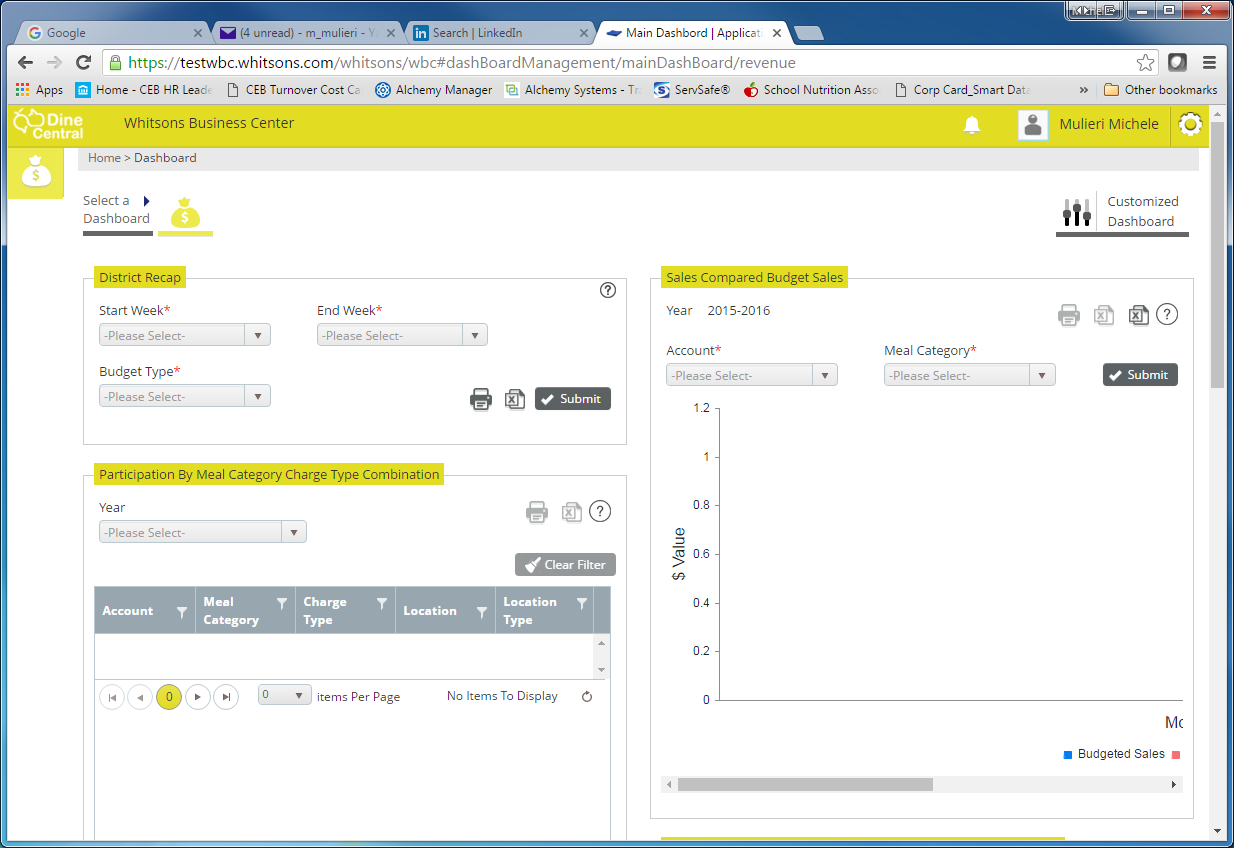
Click Login. The Revenue Dashboard appears (see Appendix for Dashboard information):