Getting Started
Getting Started
Once your Administrator has enabled CeeDee for your role and assigned you the Product Fruits role, you will see the Ask CeeDee floating widget at the bottom left corner of the CulinarySuite application. No additional setup is required.
The Ask CeeDee Button
The Ask CeeDee button is a floating widget that appears at the bottom left corner of the CulinarySuite interface once the feature has been enabled for your role. It is visible across all pages of the application.
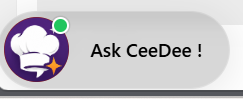
If the Ask CeeDee widget is covering or blocking any part of the application, you can click and drag it to any other position on the screen. The widget is fully moveable within the application window.
If you do not see the Ask CeeDee button after refreshing or logging back in, please contact your CulinarySuite Administrator to confirm that the Product Fruits role has been both enabled and assigned to your user account.
The Welcome Screen
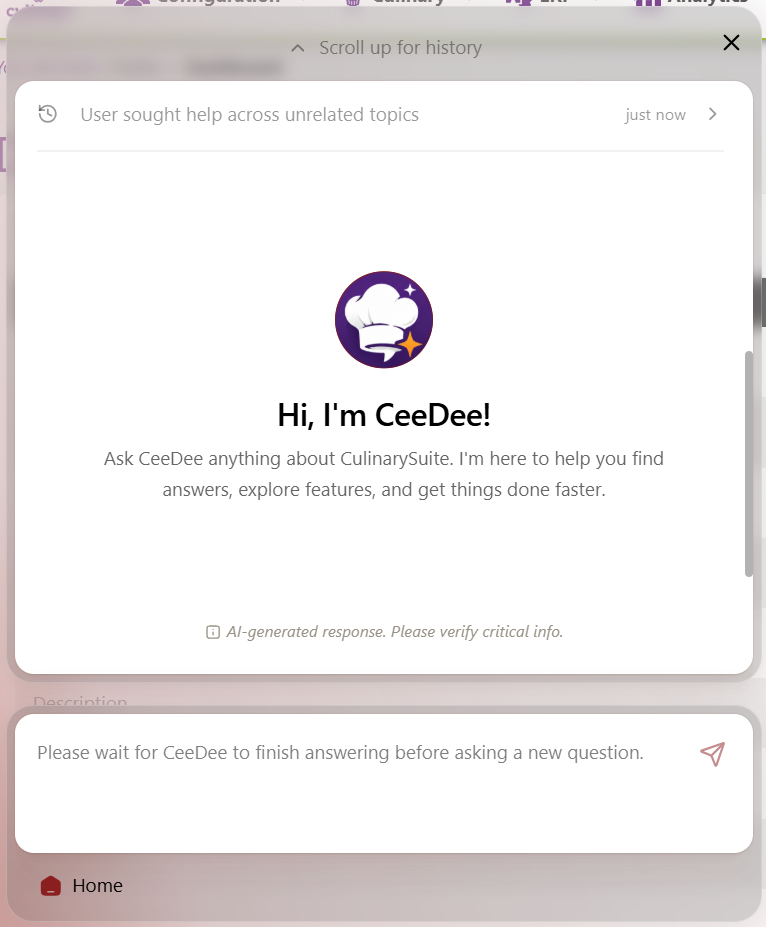
Click the Ask CeeDee button to open the chat panel. You will see the welcome screen shown below. The chat input field is located at the bottom of the panel.